Ready to plug in.
Preinstalled, preconfigured and warranted. Or skip the hardware entirely and run the software on a machine you already have.
Which one?
The coax decides.
The dividing line is whether you need RF on the coax.
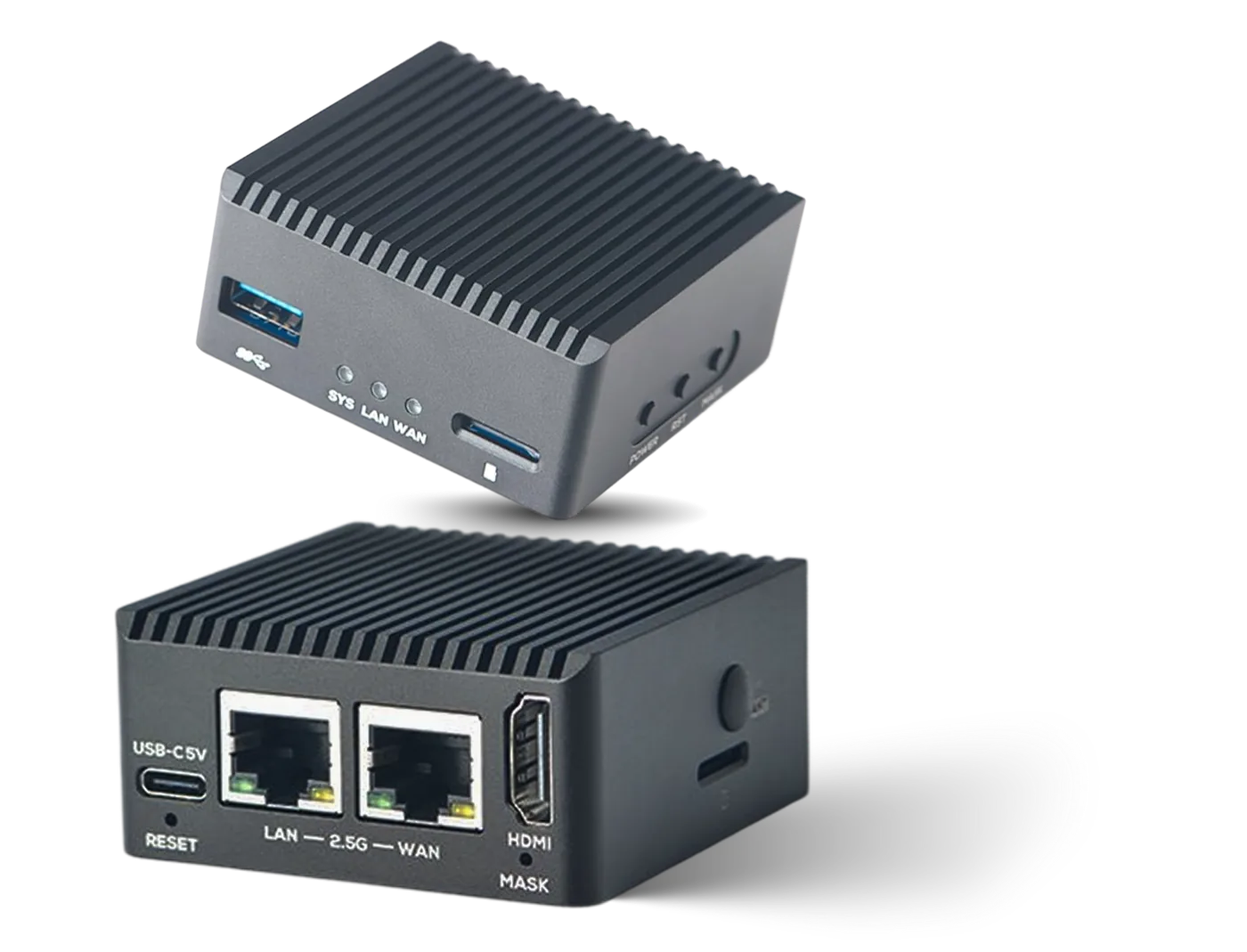
IPTV / HDMI Box
Connects to HLS, SRT and RTMP sources and converts them to IPTV multicast output on the local network.
- ChannelsUp to 15
- OutputUDP multicast
- NetworkDual 2.5G LAN
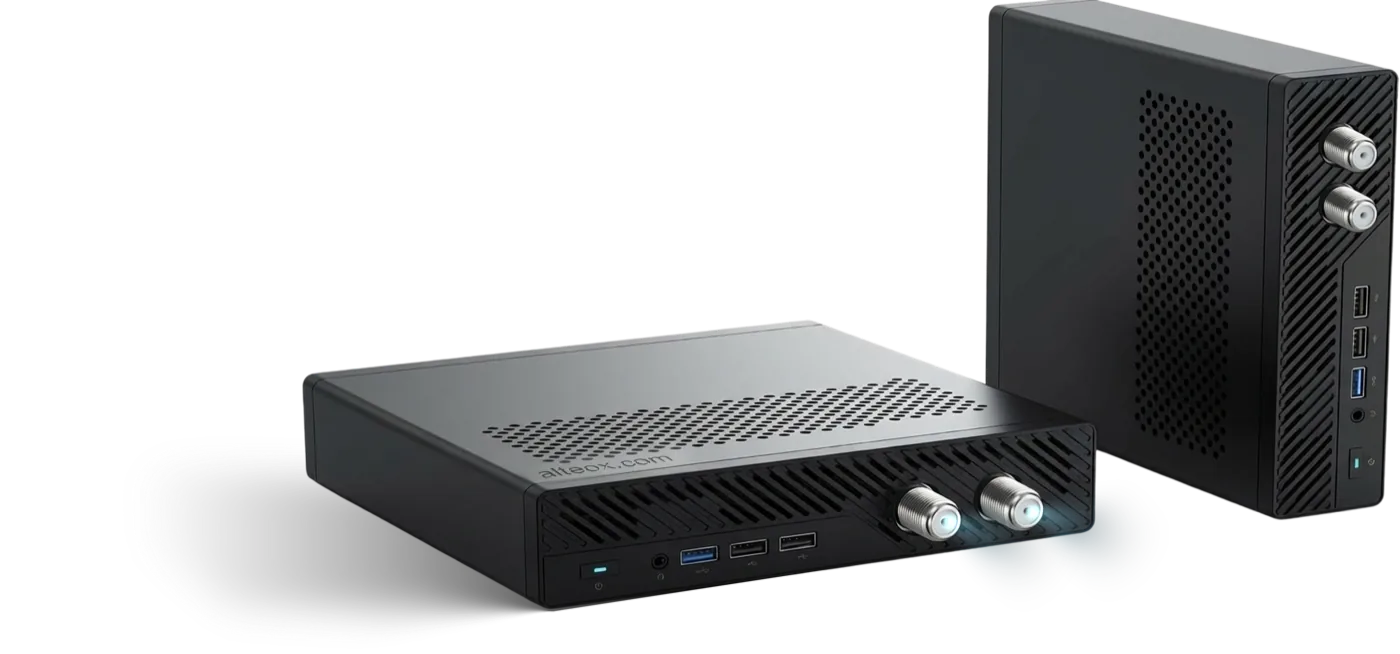
Cable TV / IPTV Pro Box
Connects to SRT and HLS channels and outputs them via a DVB-C modulator onto the existing coaxial network. Use it as the only source, or route existing channels through it.
- ChannelsUp to 100
- OutputDVB-C · UDP multicast
- MultiplexesUp to 16 frequencies
| IPTV / HDMI Box | Cable TV / IPTV Pro Box | |
|---|---|---|
| Channels | Up to 15 | Up to 100 |
| Multicast UDP output | Yes | Yes |
| DVB-C RF output | No | Yes |
| Multiplexes | No | Up to 16 frequencies |
| Network | Dual 2.5G LAN | See specifications above |
| Typical site | IPTV only, max 15 channels. | Up to 100 Multicast or DVB-C channels |
| Price | €150 per box | €1,899 per box |
Prices exclude VAT and shipping. Quantity pricing is available for multi-site rollouts — tell us how many sites and we will quote. Ask for a quote.
Product
IPTV / HDMI Box
€150 per box. Up to 15 multicast channels onto the network you already have.
What it is for
- Connects directly to the existing LAN — no satellite dish, no headend, no rewiring
- Smaller installations, or targeted channel distribution to part of a site
- Feeding one channel into an encoder or an existing modulator
- Adding IP channels to a site that already has something else in the rack
Inputs and outputs
- In — HLS, SRT, RTMP, MPEG-TS (UDP multicast, HTTP)
- Out — MPEG-TS over UDP multicast
Licence
A software licence is required. It is included free of charge when consuming tvheadend.io channels — take a channel package and the licence costs nothing. See pricing.
Product
Cable TV / IPTV Pro Box
€1,899 per box. Up to 100 channels, over multicast or as DVB-C on the coax already in the walls.
What it is for
- Properties with coaxial cabling already in the walls
- Adding premium or international channels to an existing RF line-up
- Small cable networks needing real multiplexes with stable service identity
- Sites where a set-top box per room is not affordable
Channels and frequencies
- Manage channels across up to 16 different frequencies
- Drag and drop channels between frequencies in the web interface
- Combines IP streaming with RF output on the same device
Licence
A software licence is required. It is included free of charge when consuming tvheadend.io channels. See pricing and the DVB-C documentation.
Bring your own
Run it on your own hardware
The appliances are a convenience, not a requirement.
The software is the product. It runs on any 4-core, 6 GB arm64 or x86-64 Linux machine, in a container. DVB-C output additionally needs a PCIe slot and a supported modulator.
What it needs
- 4 cores, 6 GB RAM
- arm64 or x86-64
- Linux
- A NIC on the set-top-box network
Read first
- Requirements — sizing and network
- Installation — container or binary
DVB-C caveat
DVB-C output needs a PCIe slot and a supported modulator. That rules out most small form-factor machines, and it is the reason the Pro box exists.
What is included
In the box, and after it.
- Software preinstalled and preconfigured for your channel list
- The Castmux licence at no cost while you take channels from us
- Updates for as long as the licence is active
- Remote support — most faults are diagnosed without a site visit
- Hardware warranty
See it running on your own feeds.
Twenty minutes, screen-shared. Bring one stream URL and we will put it on a multicast group while you watch. If it is not right for you, we will say so on the call.
Or write to [email protected]